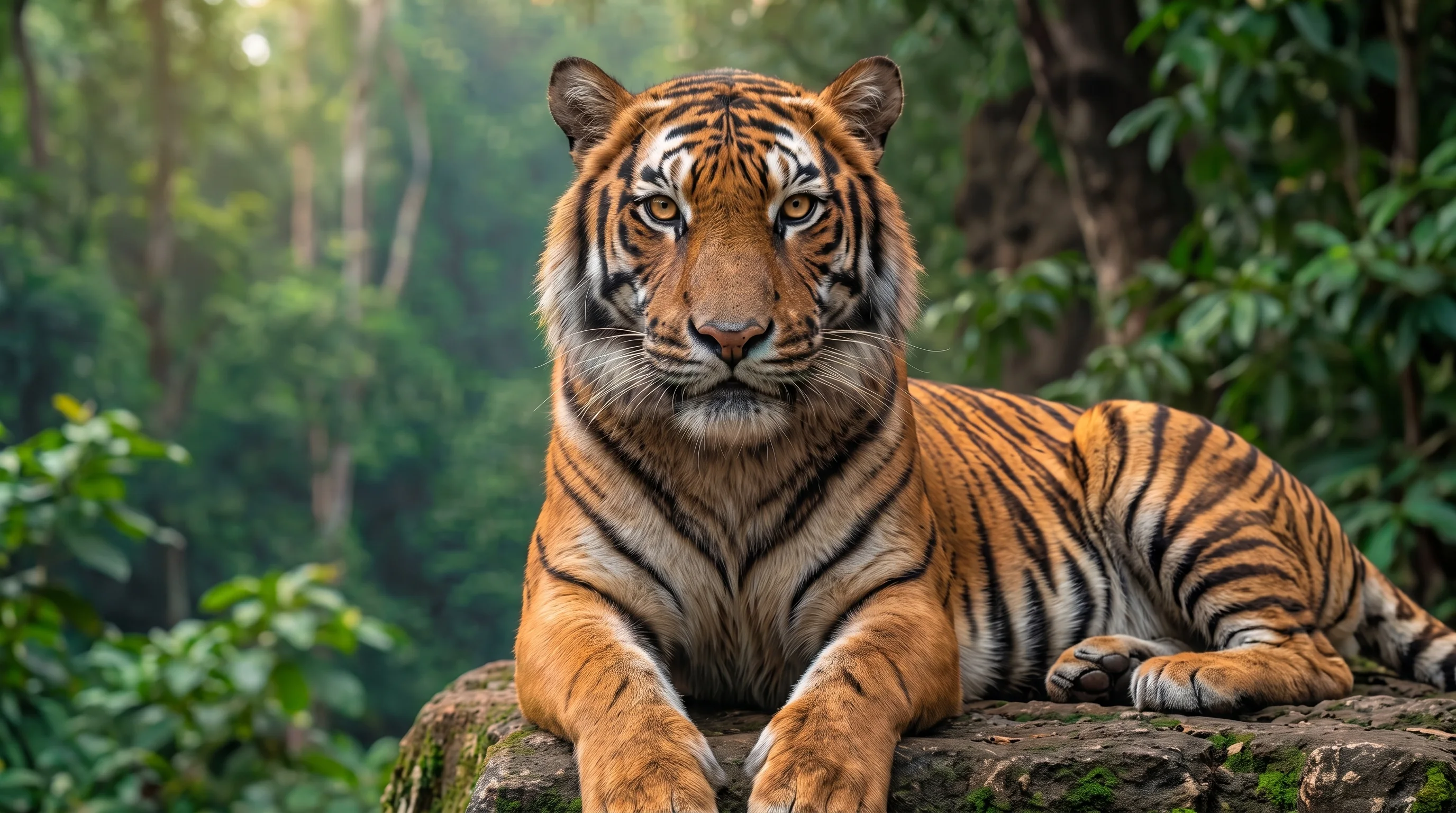
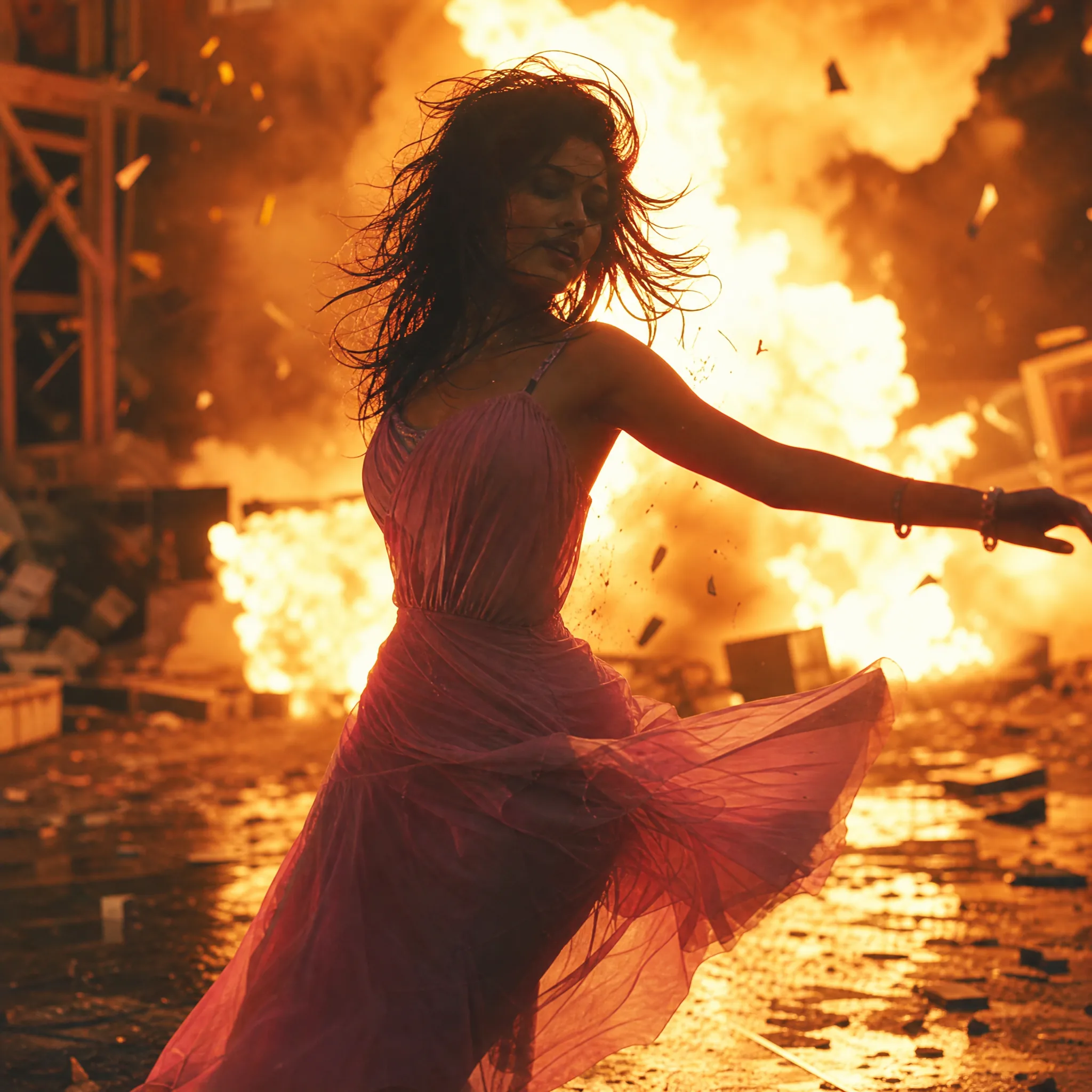
 Soft light from behind · editorial portrait
01 · IMAGE GENERATION
Describe what you see.
Make the image.
Choose a subject, light and style. Turn one description into an illustration, cover or project visual.
02 · WORK WITH AN ORIGINAL
One photo.
More detail.
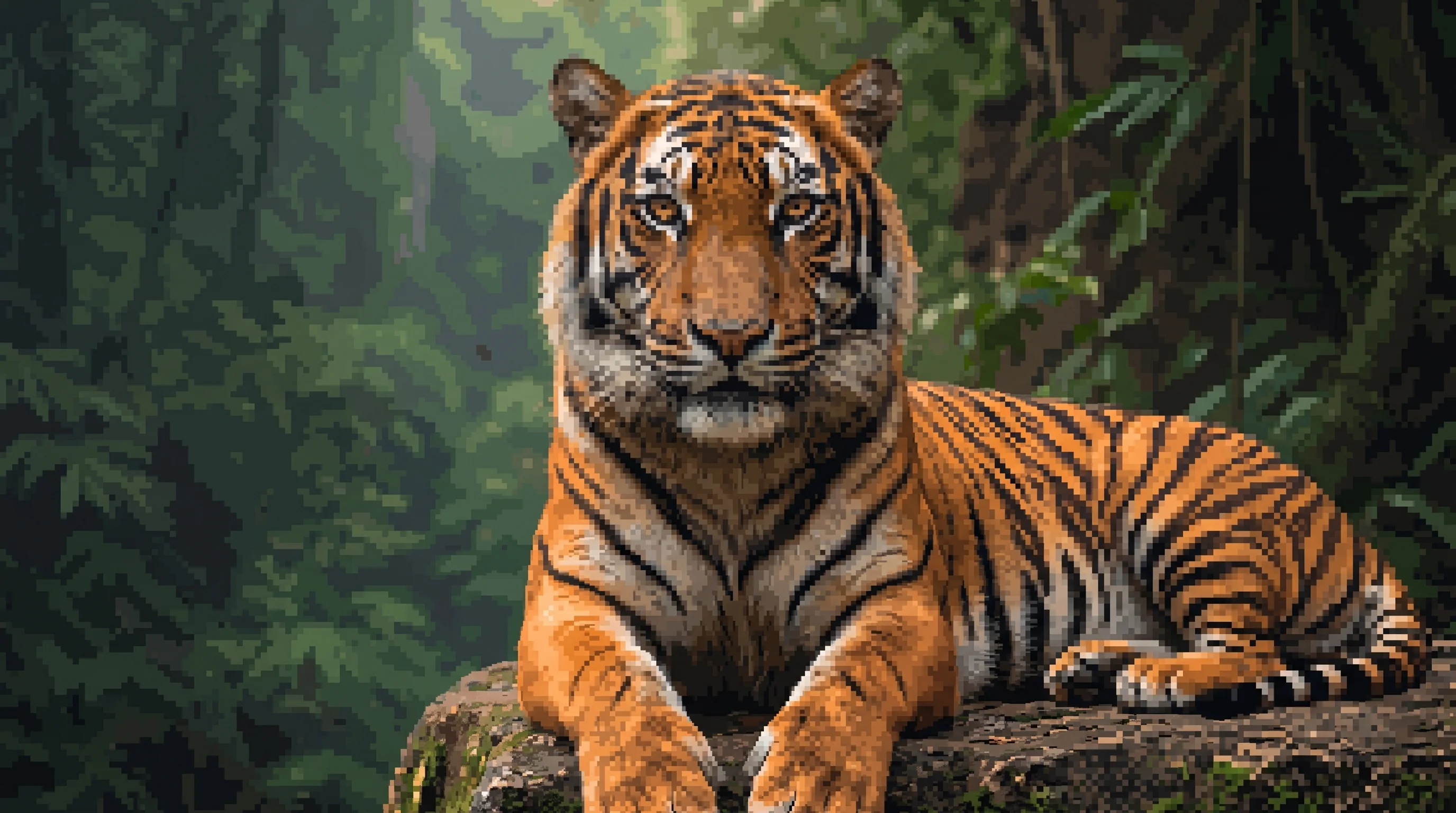
Enhance photos, change backgrounds and edit details. Compare the original and result in an upscaling example.
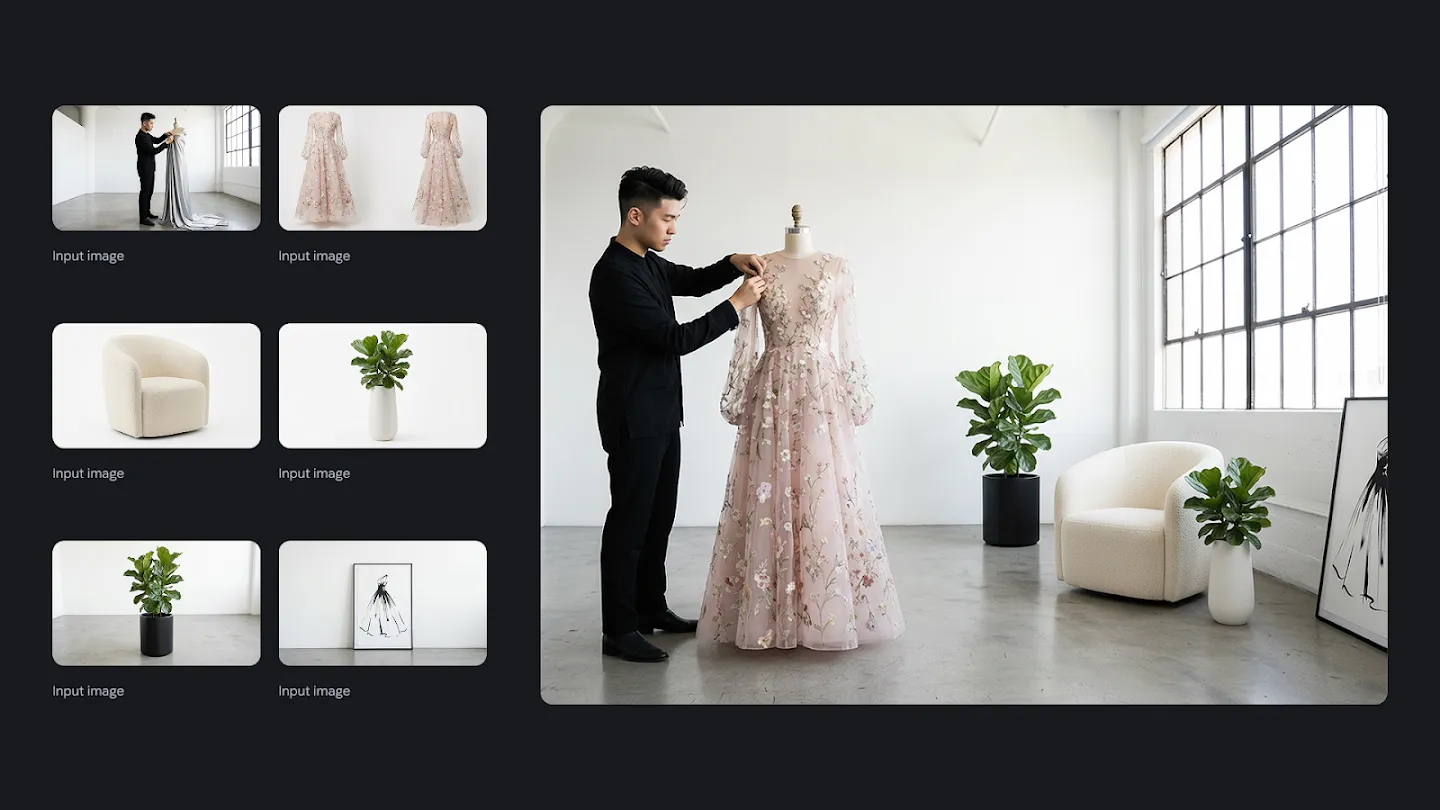 One character · different scenes
03 · A CONSISTENT SERIES
Keep the character.
Change the scene.
Add a character or product reference. Say what to preserve and describe a new angle, setting or mood.
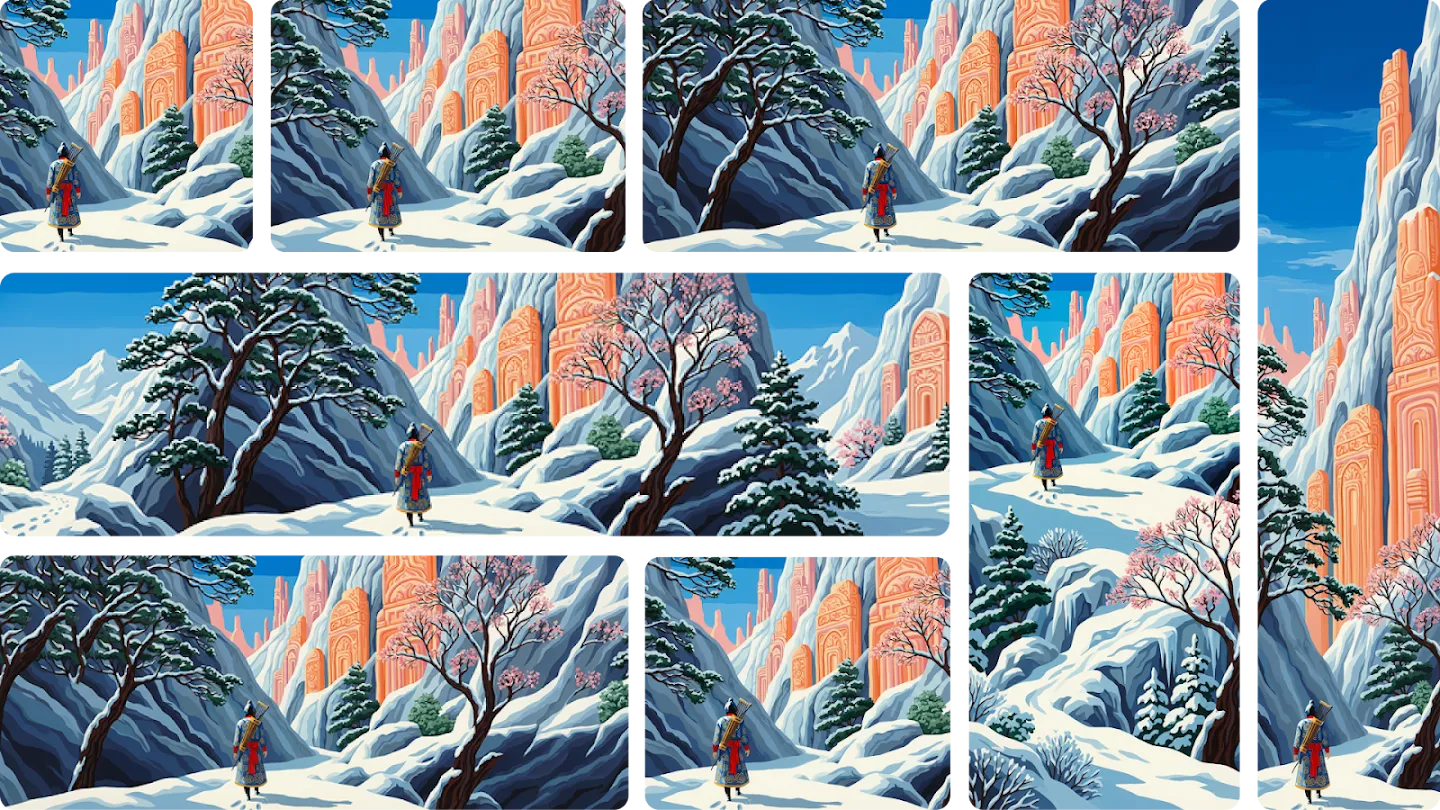 1:1 · 9:16 · 16:9
04 · YOUR FIRST VISUAL
From the first draft
to the right look.
Choose a model and format, describe the task and compare versions. Use a promising image as the starting point for the next edit.