01 · AI VIDEO STUDIO
A still comes to life.
The story begins.
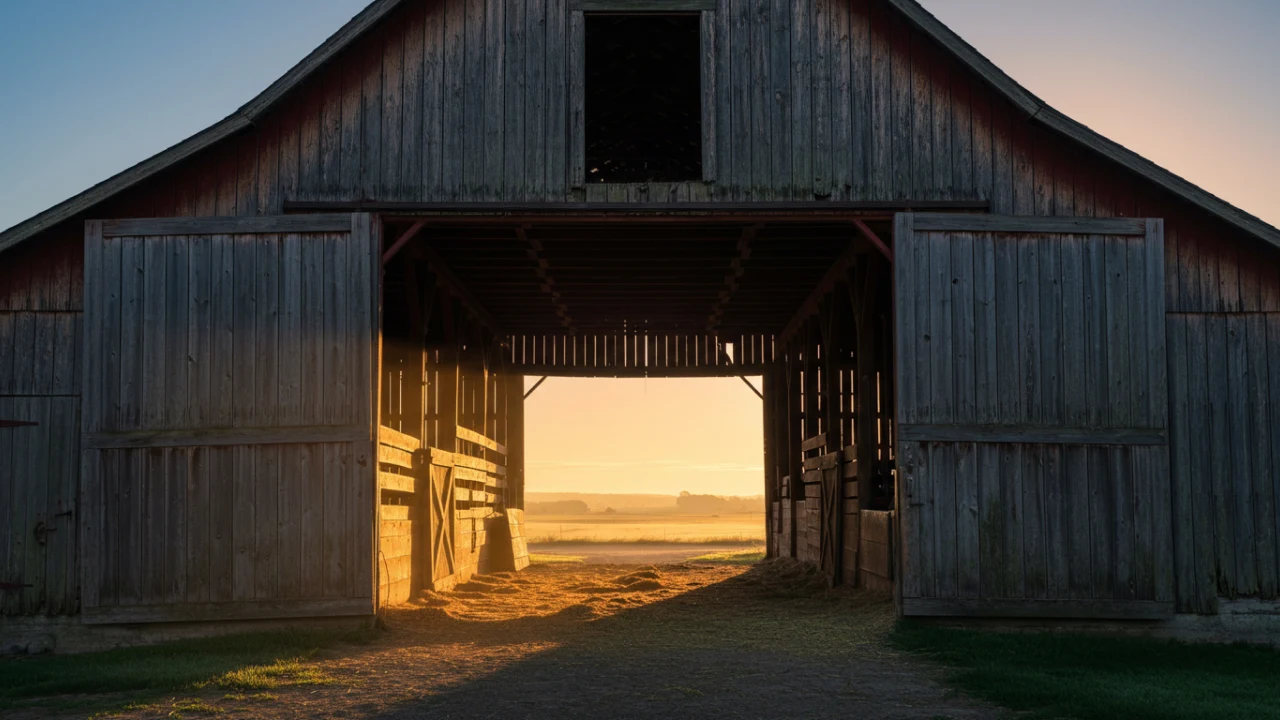
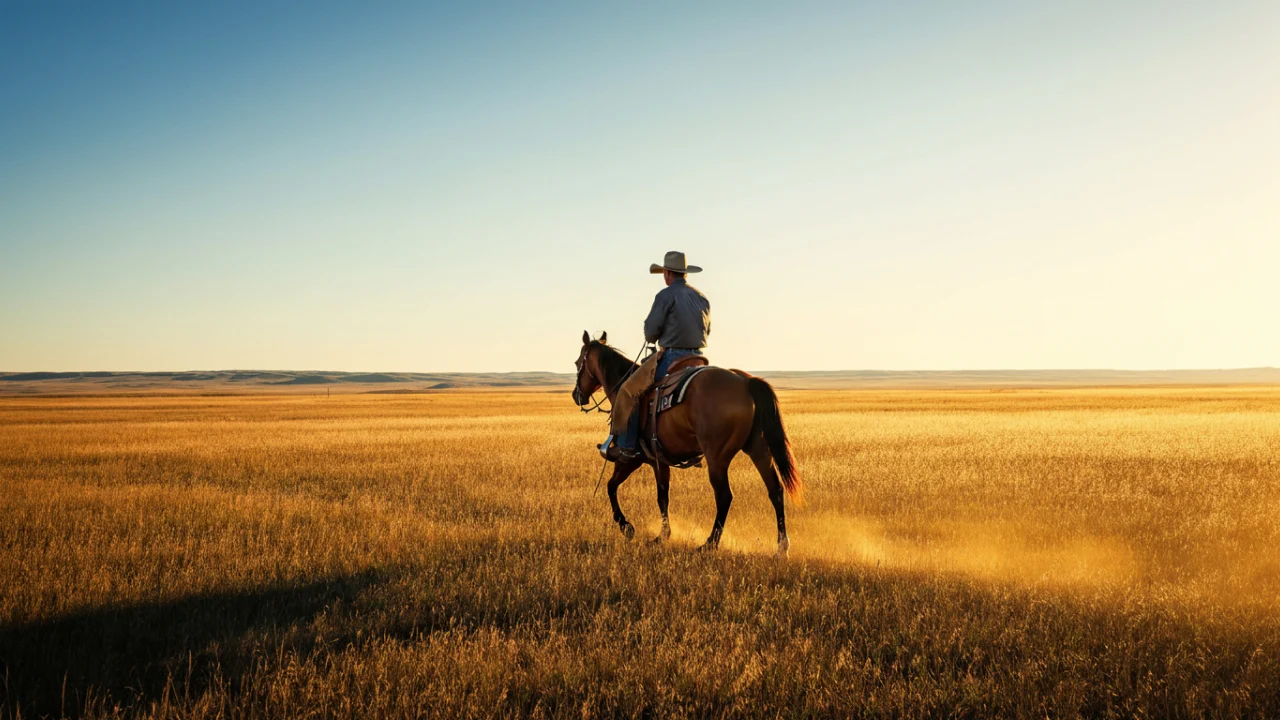
Describe a scene or upload a picture. Add subject and camera movement to turn an idea into a short clip.
02 · FROM START TO FINISH
Set two frames.
Describe the transition.
With a compatible model, attach the first and last frames. Describe what happens between them to guide the movement.
03 · VIDEO PRESETS
Move in close.
Or reveal the scene.
Compare camera movements and pick the one that fits your scene. Use a preset as a starting point and refine the details in your prompt.
A scene to start with
- Scene
- A paper boat floats through a puddle.
- Camera
- Follow low along the water.
- Mood
- Soft light after rain.
04 · PUT YOUR SCENE TOGETHER
One scene.
Your first clip.
Start with one action. Describe the shot, motion and mood, choose a format and start generation in the video studio.