Create product-focused advertising videos
Keep, review and continue your generations
Build complex generations into repeatable workflows
Creator work, ideas and inspiration in one place
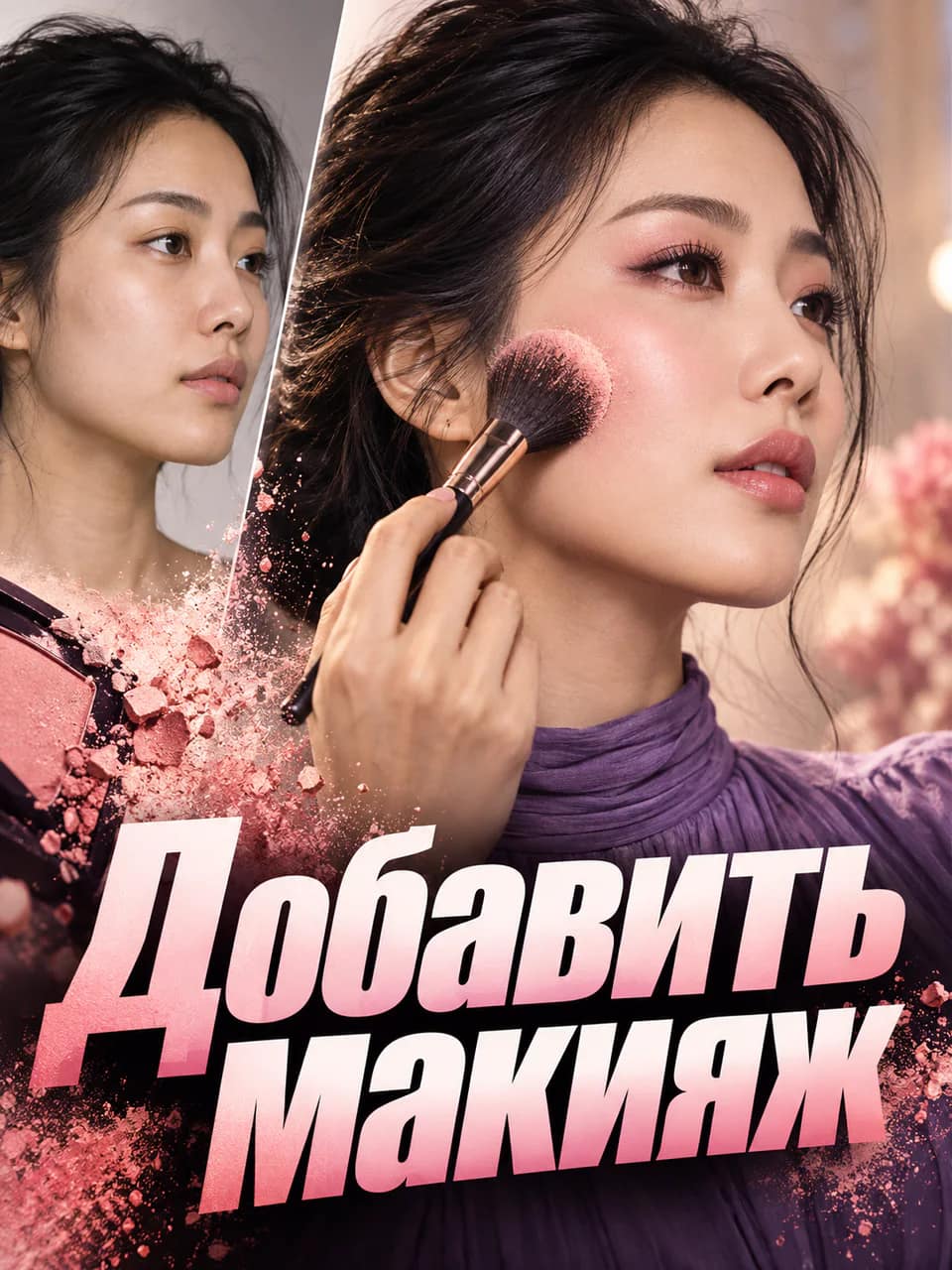
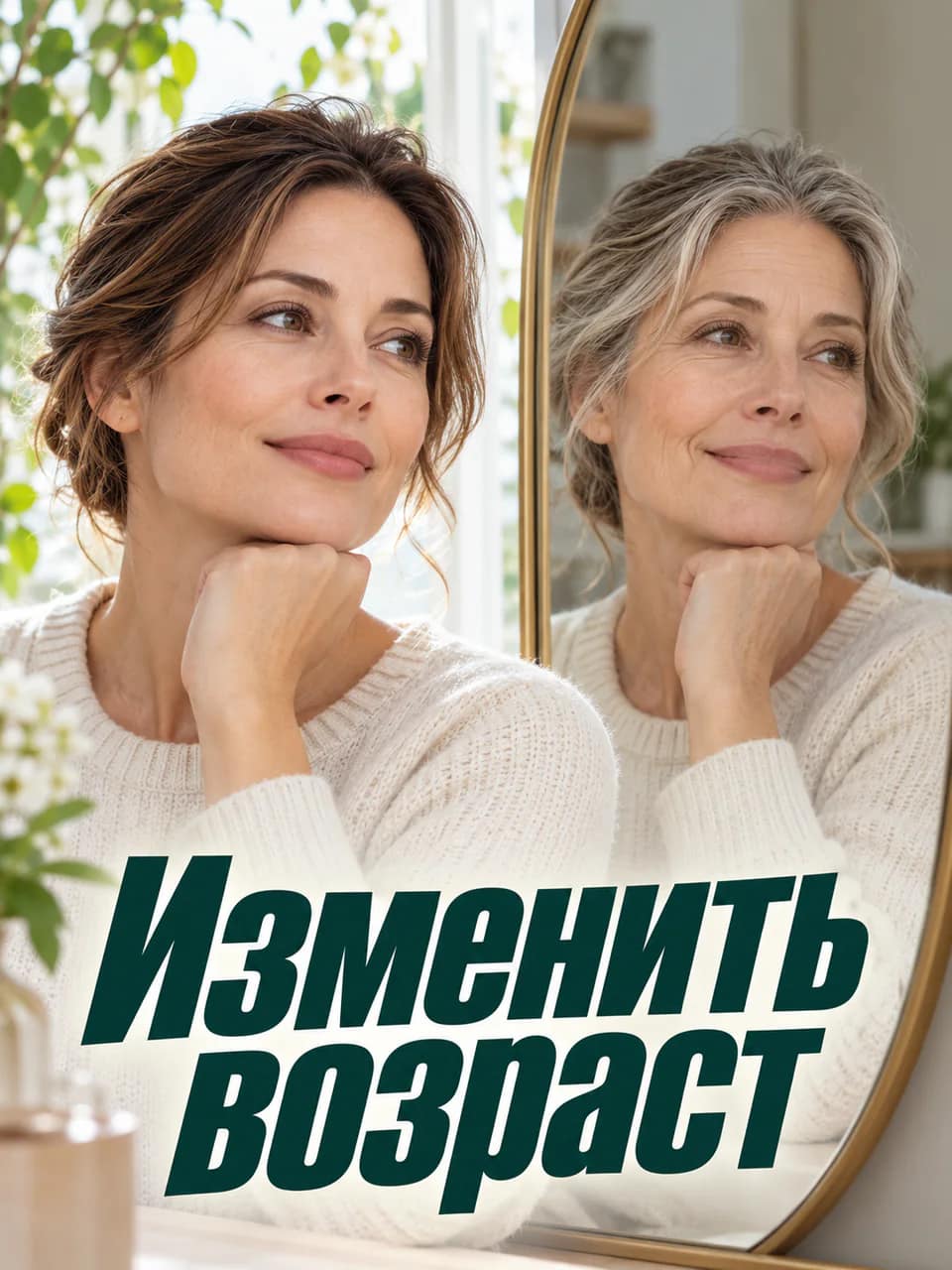
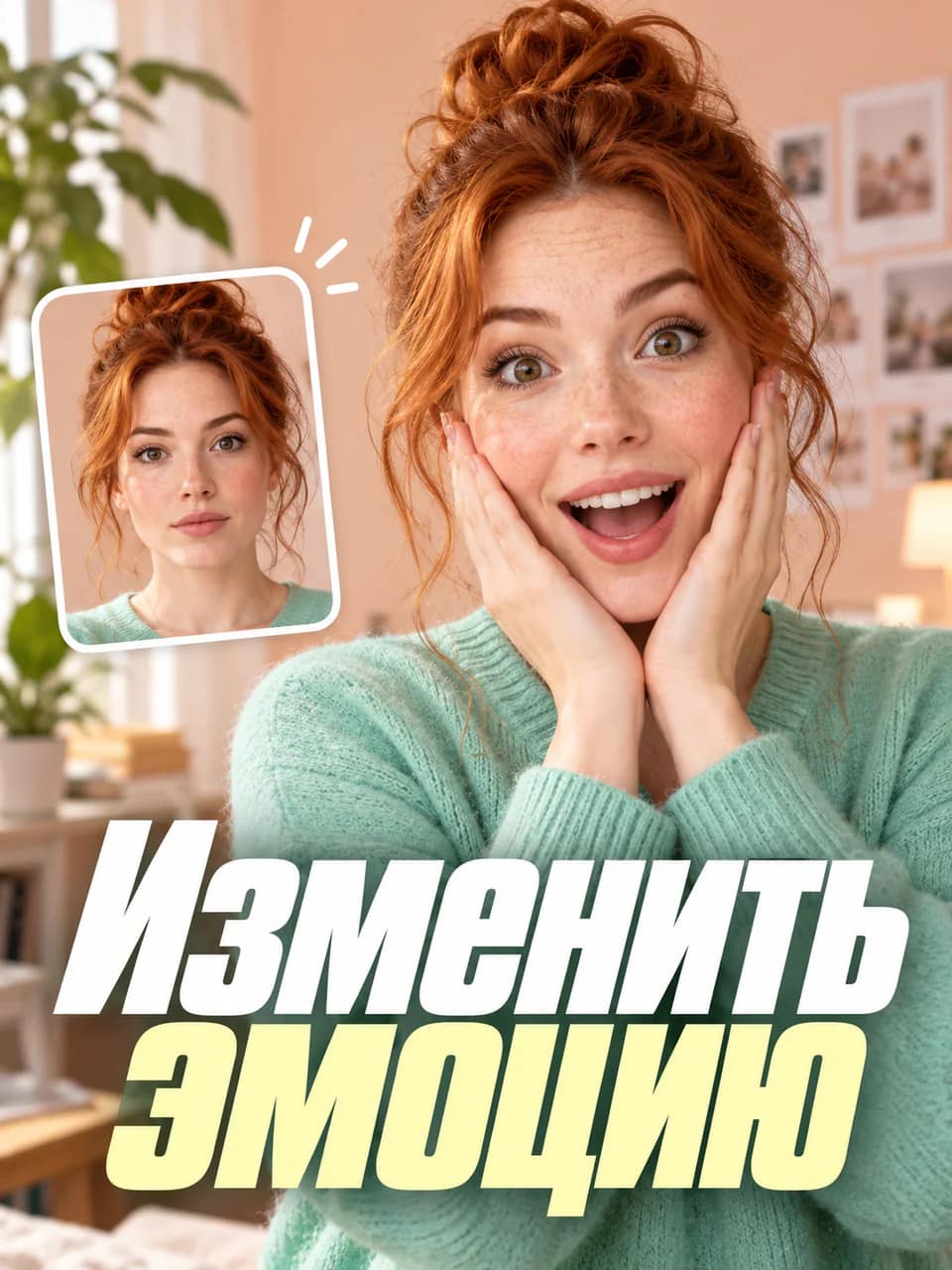
Recreate popular AI trends with your photos
Ready-made workflows for photo, video, text and music
ADDITIONAL DISCOUNT
-30% ON TOKENS
More expressive and controllable music generation
Fast image generation and precise editing
A new model for complex tasks, coding and agentic work
A new model for video generation and editing
Consistent characters and dynamic AI video
Up to 30 seconds of continuous video with multimodal references
Precise image, text and visual-story generation
AI video with sound and expressive motion
Next-level image generation and editing
Create visuals and edit images in a few clicks
Cinematic video generation for creators
Create anything from anything