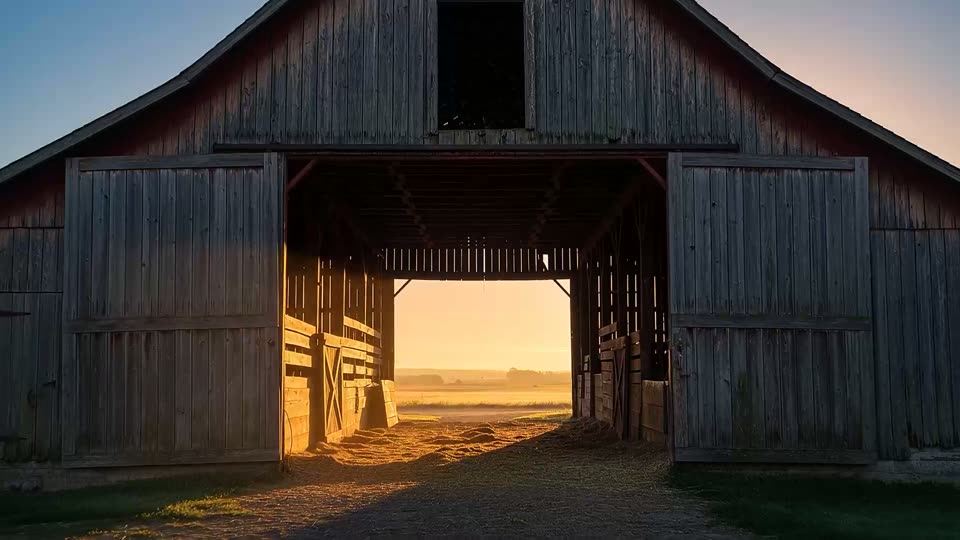
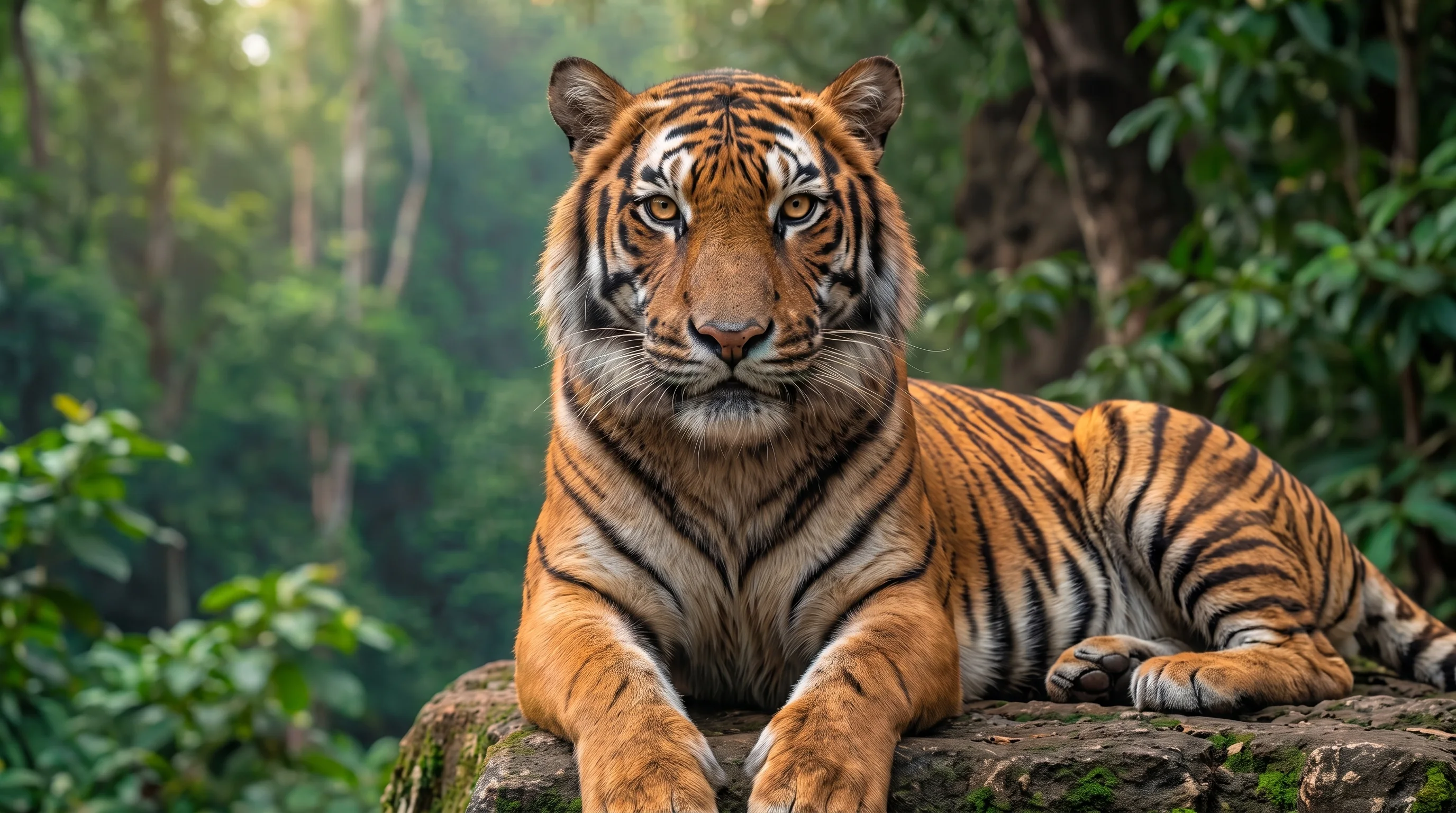
Repeating a written description does not guarantee the same appearance across generations. Prepare a consistent visual reference for the series, then describe the changes in each scene separately.
Prepare an anchor image
- Choose a clear image showing the face, hairstyle and distinctive features.
- When using several angles, check that they show the same character with consistent clothing and appearance.
- Keep the original reference separate from generated results so you can return to it if the appearance drifts.
Separate fixed details from scene changes
In the image workspace, choose a model that supports reference images and attach your anchor image. First describe what must stay consistent: face, hairstyle, clothing and proportions. Then describe the new action, setting, lighting and camera framing. Change one condition at a time to understand discrepancies.
The same character as in the reference. Preserve the facial features, short dark hair and green jacket. Medium shot: the character stands on a waterfront in the evening, with soft side lighting.
Review the whole series
Compare face shape, eyes, hair, clothing and silhouette across the images. A new angle or lighting setup can noticeably change perceived appearance. If the character looks different, return to the original reference and simplify the scene before continuing. Save successful images together with their prompts.